 Mon–Sat 9:00 AM – 7:00 PM / Sat 9:00 AM – 4 PM
 Sales@part4cells.com
 832-489-2386


iOS 26 and Its Impact on Hardware Parts
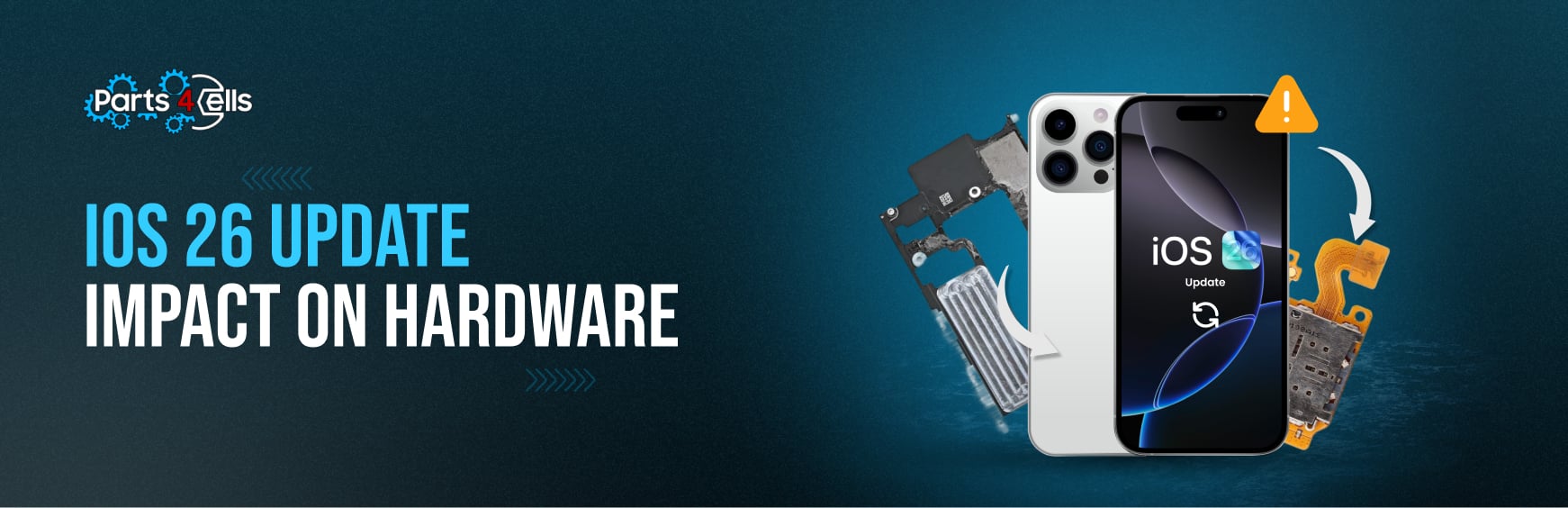
iOS 26 looks great, feels ambitious, and on the right hardware runs like butter. On older phones, though, you may notice a little friction: slower animations, quicker battery drain, apps reloading when you bounce between tasks. That isn’t random. It’s the natural outcome of a modern operating system leaning harder on graphics, memory, thermals, and the Neural Engine than before.
In this guide, we’ll stick to clear, non-speculative facts: what iOS 26 actually does on your device, which components are most affected, how newer hardware (including iPhone 17) satisfies those needs, and practical steps to smooth things out. Where it’s helpful, we’ve added light product interlinking for U.S. readers who maintain or repair their phones.
What iOS 26 Changes In Plain English
Liquid Glass design (system-wide visuals)
Liquid Glass adds layered transparency, soft blur, and depth across the interface. It’s eye-catching and always on, which means the GPU is working more consistently as you navigate. That continual load is what makes newer devices feel so fluidthere’s simply more graphical headroom.
Apple Intelligence (built-in system features)
iOS 26 brings smarter writing aids, translation helpers, and other intelligence features that rely on the Neural Engine for fast, private on-device processing. Not every iPhone supports every Apple Intelligence feature. Newer models tend to offer broader access and snappier responses because their neural hardware can process more operations with less power.
Day-to-day result
- Navigation feels lighter on recent phones, especially where transparency and animations stack up.
- Background tasks and on-device intelligence raise the bar for CPU, GPU, RAM, and battery.
- Free storage and healthy thermals matter more than ever.
If you maintain your own phone or a fleet in the USA, having a trusted parts source helps. For genuine replacements and tools, Parts4Cells is a reliable starting point.
Which Components iOS 26 Pushes the Most
CPU & GPU: where “smooth” is born
iOS 26 keeps the GPU busier thanks to live translucency and depth effects. The CPU coordinates those frames, system services, and multitasking. On older chips, you might see:
- Short animation stutters when opening the app switcher
- Small delays returning to the Home Screen after unlock
- Visual hiccups when multiple translucent panels are on screen
Why newer phones cope better: recent CPUs and GPUs deliver higher sustained performance with better power efficiency. That lets the system hold frame rates without getting hot or throttling.
Neural Engine (for Apple Intelligence)
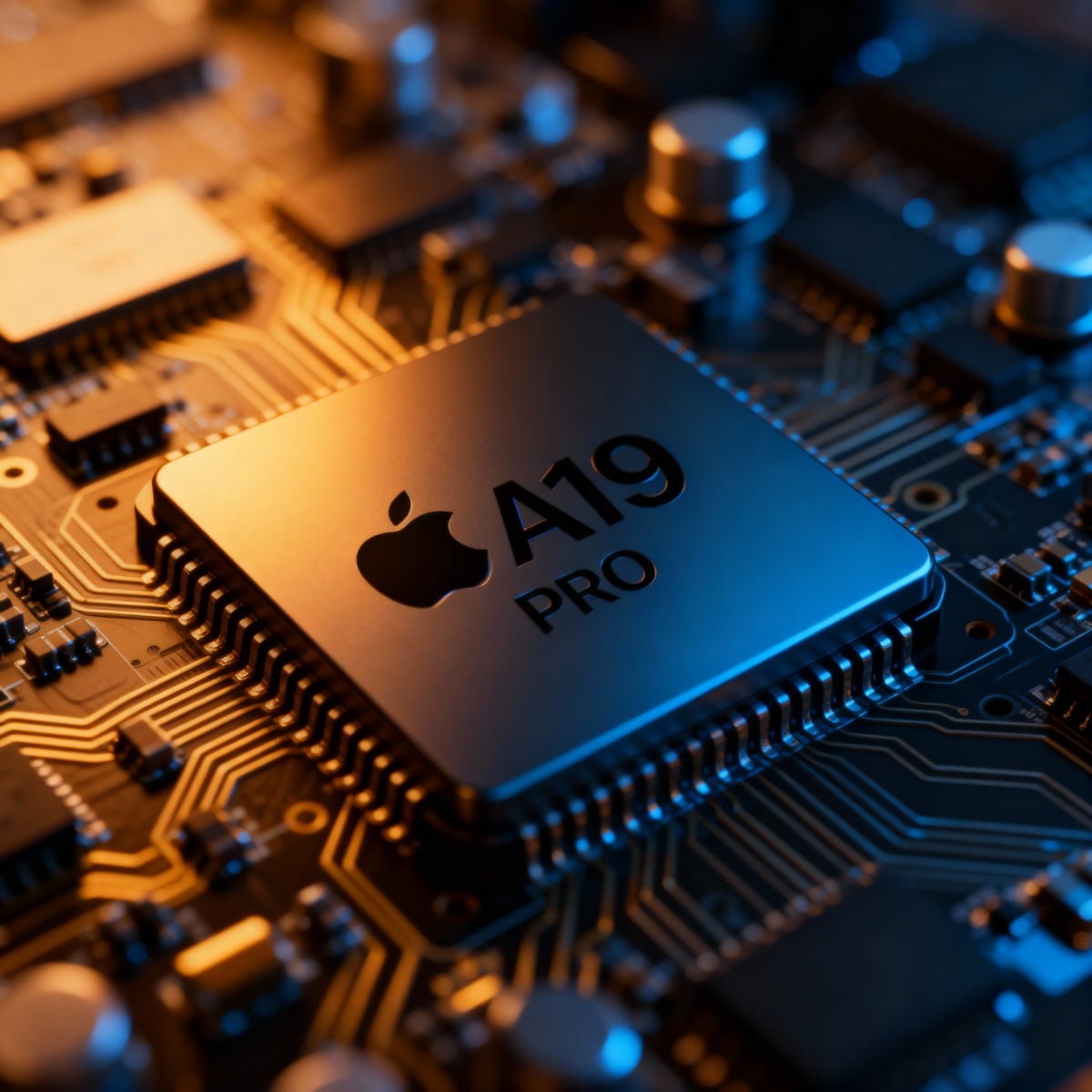
The Neural Engine accelerates on-device intelligence, from language to vision. Devices with newer Neural Engines handle these requests quickly and locally, which is why Apple Intelligence interactions feel native on the latest phones.
Takeaway: if you rely on the new system intelligence, a phone with a more capable NE will feel markedly faster and more private.
RAM (memory) & storage headroom
iOS 26’s visuals and intelligence increase memory and cache demand. Limited RAM pushes apps to reload in the background; low storage slows indexing and big updates.
A few practical rules:
- Keep several GB free for updates, caches, and photos.
- Close truly heavy apps before long multitasking sessions.
- If a display is already degraded, animations look worse more on that below.
Battery & thermals
Sustained graphics and repeated intelligence tasks can warm a device, especially if the battery is older. When temperatures rise, iOS temporarily throttles performance to protect components, which feels like sudden sluggishness.
A healthy power systemclean ports, a strong battery, proper heat transfer keeps performance steadier across the day.
iPhone 17: Why It Handles iOS 26 So Smoothly
Modern silicon: more headroom where it counts
With the iPhone 17 generation, you’re getting newer CPU and GPU designs and a more capable Neural Engine. That translates into:
- Smoother Liquid Glass animations without frame dips
- Faster on-device intelligence and fewer handoffs to the cloud
- Lower power per task, so heat stays under control longer
It’s not about chasing benchmarks; it’s about the day-to-day feel unlocking, switching apps, using dictation or translation, scrolling long threads without the tiny stalls that add up.
If you manage repairs or refurbish devices, the broader iPhone parts catalog gives you flexibility across generations. Explore model-wise options under iPhone parts (USA) for boards, connectors, and essentials that keep modern performance reliable.
Display matters more than you think
Liquid Glass loves a clean, uniform panel with accurate brightness. A tired or damaged display exaggerates motion artifacts and makes transitions look choppy. Swapping in a high-quality assembly restores clarity and touch precision, which makes iOS 26 feel faster even when the processor is unchanged. See iPhone LCD & OLED replacements for model-specific options.
Thermal and power stability
Newer devices combine efficient chips with improved internal heat paths and smarter power control. The result is fewer slowdowns during long photo edits, maps, or camera sessions. If you’re keeping an older phone alive, proper pads, clean ports, and a healthy battery go a long way.
Older iPhones on iOS 26: What You’ll Notice (and What You Can Do)
Common symptoms on aging hardware
- Animation stutter when several translucent layers stack
- App reloads during rapid multitasking
- Battery dips while navigating, recording, or switching cameras
- Device warmth during back-to-back heavy tasks
No-nonsense, device-friendly tweaks
- Reduce Transparency
Settings → Accessibility → Display & Text Size → Reduce Transparency.
This replaces translucent elements with opaque ones and lightens constant GPU load. - Reduce Motion
Settings → Accessibility → Motion → Reduce Motion.
Simplifies certain transitions, which can feel smoother on older GPUs. - Free up storage
Keep headroom for system caches and updates. Offload rarely used apps and large videos. - Keep iOS current
Install minor point updates they often include stability and power optimizations. - Replace a weak battery
A tired cell heats faster and throttles sooner. A quality replacement can restore both runtime and performance pacing. If you’re in the USA, browse Parts4Cells for model-correct battery kits.
How iOS 26 Interacts With Specific Parts (Short and Clear)
Displays
- Heavier visuals amplify panel flaws (ghosting, dim corners, erratic touch).
- A fresh panel improves perceived speed better brightness tracking and smoother touch feel.
- For model-specific panels, see all iPhone LCDs & OLEDs.
Logic boards & SoC
- The board ties CPU, GPU, and the Neural Engine together.
- Newer boards process the same visuals with less effort, reducing heat and frame dips.
- For cross-generation maintenance or refurbishment, the iPhone parts category is a good hub to identify exact-fit assemblies and flexes.
Battery & power path
- A strong battery keeps performance consistent when the OS leans on graphics and intelligence.
- Faulty ports or cables increase resistance and waste heat; cleaning and proper parts help.
- U.S. teams often keep spare cells, charge ports, and flex cables on hand via Parts4Cells to reduce downtime.
Thermal materials
- Good contact between SoC, shields, and frame helps the phone hold peak speed longer.
- After impact repairs, re-establishing pad contact and frame integrity pays off in everyday snappiness.
iPhone 17 vs. Older Models: Everyday Differences You Can Feel
Unlock → swipe → open
- Older phones: a tiny delay before the first animation lands, especially after long idle periods.
- iPhone 17: immediate response, transparency layers render smoothly without stepping.
Jumping between three or four apps
- Older phones: occasional tab or app reloads; heavier panes feel choppy.
- iPhone 17: gestures and panes track your finger closely, fewer reloads mid-flow.
Camera to edit to share
- Older phones: warmth builds; a quick performance dip is common while exporting or switching apps.
- iPhone 17: steadier pacing through capture and edit; less heat under the same workload.
These are subtle differences on paper, but obvious in your hand especially if you multitask or create content throughout the day.
Keeping an Older iPhone Happy on iOS 26 (USA)
Prioritize the big three
- Display health: a clean, bright panel helps the OS look and feel fast. Consider screen replacements if you see persistent artifacts.
- Battery condition: if capacity is low, you’ll see heat and throttling sooner; plan a replacement from Parts4Cells.
- Storage headroom: low free space slows everything; regular cleanup pays off.
Service sensibly
- Use model-correct screws, frames, pads, and adhesives to avoid micro-gaps that trap heat or stress the panel.
- For wider refurb work, keep a short list of essentials under the iPhone parts (USA) hub so you can pull what you need quickly.
Should You Upgrade or Optimize?
You don’t have to upgrade just because iOS 26 arrived. If your usage is light messaging, browsing, payments, maps you can likely optimize and keep going with the tweaks above and the occasional battery or display refresh.
Upgrade starts to make sense if you:
- Use Apple Intelligence features frequently and want them instant and on-device
- Notice frequent app reloads or animation stutter under normal use
- Work with camera, editing, or navigation for long stretches and your phone runs hot
In those cases, iPhone 17 offers exactly what this OS prefers: stronger real-time graphics, a more capable Neural Engine, and steadier thermals. If you repair, maintain, or customize devices in the USA, the iPhone parts catalog covers accessories and assemblies to keep modern performance reliable over time.
A Modern OS Needs Modern Headroom
iOS 26 isn’t “too heavy” it’s modern. The design relies on transparency and animation, and the system leans into on-device intelligence. Newer hardware, such as iPhone 17, was built with that reality in mind, which is why it cruises through the same tasks that make older phones hesitate.
If you’re staying put, tune the visuals, keep storage free, and refresh aging parts when needed. If you’re moving forward, you’ll feel the difference right away less heat, fewer reloads, and a UI that finally keeps up with your hands.
For parts, tools, and dependable U.S. shipping, bookmark Parts4Cells, explore iPhone parts (USA) for model-specific components, and check iPhone LCD & OLED replacements when a tired panel makes iOS 26 look slower than it really is.


